Work

50 AutoCAD Commands You Should Know

Wednesday, November 23, 2016

by Nicolás Valencia Source : http://www.archdaily.com/


After spending countless hours in front of AutoCAD working on a project, you’re bound to have your own set of favorite commands to standardize a few steps. We also bet that you don’t have them all memorized or often forget them. To help you remember, we've made a list of 50 commands that can help you speed up your work game, discover new shortcuts, or come in use as a handy tool for when you forget what the command you need is called.
The following listing was developed and corroborated by our team for the 2013, 2014 and 2015 versions ofAutoCAD in English. We also prepared a series of GIFs to visualize some of the trickier ones.
When you’ve finished reading, we would love to know what your favorite commands are (including those that we didn’t include). We will use your input to help us update the article!
Work

Garis tebal nipis,tebal ke nipis?

Wednesday, November 23, 2016


Hola All Drafter.

Okeh first of all story mory sket ttg kerja, dulu zaman belajar Lukisan Kejuruteraan dari sekolah menengah sampai la masuk U mmg guna alat basic. ingat lagi T square? yg best sket bleh beli papan lukis sekali ada lubang then bleh sumbat T square dlmnya..hihi
basic tool yg mmg penting utk melukis. tu belum pensil n pen.

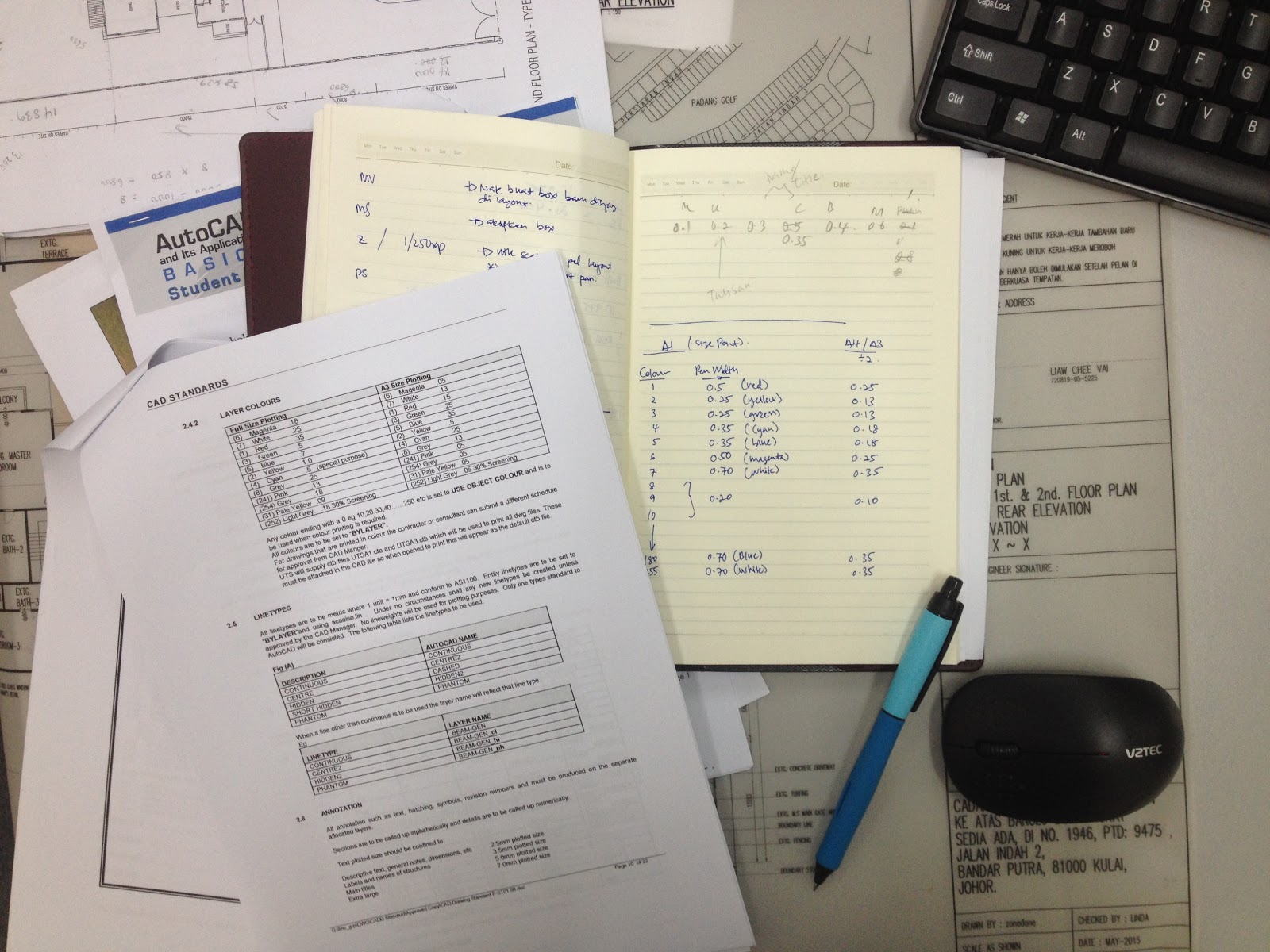
so bila drafting guna CAD ni mcm2 nk kena setting nk bg line nya tebal nipis ikut sesedap mata n sesuai requirement. apa aku merepek ni..harap korang sabar je la..budak setahun jagung macam aku nih.

Jadinya kena refer printing company..kena refer sana sini utk dapatkan line yg best2. sesuai utk plotting A1 and A0 utk A3 lain plak. ada yang nk share ttg ni? meh email bleh kongsi2 n bantu2 aku yang lemb ni..hihi

okay..kerja dulu. Bos dh lama tunggu draf aku ni.

Nota Hujung Jari | Malaysia standard sama ke dengan Aus Standard. kena cri Buku standard ni.. mana ek?

Work

Jauh Tertinggal Bas

Tuesday, November 22, 2016


Salam & Hai 
Yeap, dah lama tinggal dunia draught ni. nasib baik ada lagi simpan file yang buat dulu zaman muda2 haha. Last dulu guna Autocad 2007 bayangkan berapa punya jauh. Alhamdulillah rezeki dtg dri Allah. selepas interview dan ujian melukis aku terpilih. dan bermulalah kembali as draughtman. 8 November 2016 aku bermula. InsyaAllah.

Nota Hujung Jari | skang dh ada Autocad 360 kt dlm phone weh..